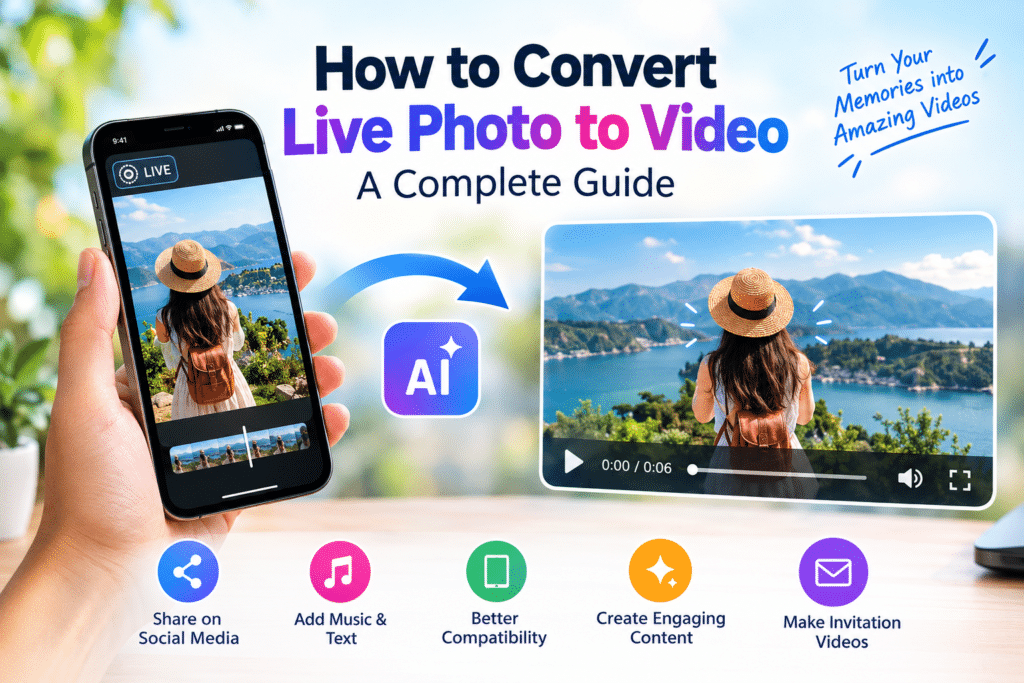
How to Convert Live Photo to Video: A Complete Guide
A Live Photo captures more than a single moment. It includes a short sequence of movement that can make your memories feel more realistic and engaging. However, sharing Live Photos across different devices and social media platforms can sometimes be difficult.
That is why many people want to convert Live Photo to video. Converting a Live Photo into a standard video makes it easier to share, edit, and use in creative projects.
In this guide, you will learn how to convert a Live Photo to video, how AI image-to-video tools work, and how to create engaging videos for social media, invitations, and marketing.
What Is a Live Photo?
A Live Photo is an image format that captures a short moment of movement around the time a photograph is taken. Unlike a regular photo, it contains additional motion information that can be viewed on compatible devices.
Although Live Photos are useful for preserving memories, not every platform supports them in the same way. Converting them into a standard video can make them easier to share and edit.
Why Convert Live Photo to Video?
There are several reasons to convert a Live Photo into a video.
There are several reasons to convert a Live Photo into a video.
Standard videos are convenient for sharing on platforms such as Instagram, TikTok, YouTube, Facebook, and messaging apps. Converting a Live Photo to video makes it easier to reuse your content across different platforms.
Improve Compatibility
A standard video file can be played on many devices and applications. This makes it a practical format when you want to share a moving photo with friends, family, or colleagues.
Add Music and Text
After converting your Live Photo, you can use a video editor to add background music, captions, transitions, voiceovers, and other effects.
Create More Engaging Content
A moving image can help make social media posts and promotional content more visually interesting. AI video tools can also help add creative movement and effects to static photographs.
Create Invitation Videos
You can use photos to create an engagement invitation video or wedding invitation video by combining images, animated text, music, and event details.
How to Convert Live Photo to Video
There are several ways to convert a Live Photo to video, depending on your device and the result you want.
Method 1: Use Your Phone’s Built-In Features
If your phone supports Live Photos, check whether its Photos application includes an option to save or export a Live Photo as a video.
The exact steps may vary depending on your device and operating system version.
Once the video is saved, you can share it through messaging apps, upload it to social media, or edit it using a video editor.
Method 2: Use an Online Video Tool
Online video creation tools can help you turn photos into videos without installing complicated software.
A typical process involves:
- Uploading your photo or compatible video file.
- Choosing a video format or template.
- Adding text, music, or transitions.
- Previewing the video.
- Exporting the finished result.
This method is useful when you want to customize your video before sharing it.
Method 3: Use AI Image-to-Video Tools
AI image-to-video tools can transform static images into videos by generating movement and visual effects.
Depending on the tool, you may be able to add cinematic camera movement, animated backgrounds, transitions, and other creative effects.
For example, you could upload a landscape photograph and use a prompt such as:
“Create a cinematic video with a slow camera zoom and subtle, natural background movement.”
The AI tool then attempts to generate a video based on your image and instructions. Results vary by tool and image quality.
How to Turn a Photo Into an Engaging Video With AI
If you want more than a basic conversion, an AI video generator can help you create a more customized result.
Step 1: Choose a High-Quality Image
Start with a clear photograph. Images with good lighting and visible details are often easier to work with.
Step 2: Upload Your Image
Choose an AI video creation tool that supports image-to-video generation, then upload your photograph.
Step 3: Describe the Desired Movement
Explain how you want the image to move. You might request a slow zoom, cinematic camera movement, or subtle animation.
Step 4: Add Audio and Text
Depending on your project, add music, a voiceover, captions, or text overlays.
Step 5: Preview and Export
Review the video for visual quality, spelling, audio levels, and correct dimensions before exporting it.
Create an Engagement Invitation Video
An engagement invitation video is a creative way to share event details with friends and family.
Instead of sending only a static invitation, you can combine photographs, animated text, music, and transitions.
For example, your video could include:
- An opening message introducing the couple.
- The couple’s names.
- The engagement date, time, and venue.
- A closing message inviting guests to attend.
You can use a video template or an AI video tool to simplify the process. Make sure all event information is accurate before sharing the invitation.
Engagement Invitation Video Maker Online Free
If you are searching for an engagement invitation video maker online free, look for a tool that offers photo uploads, text animation, music, transitions, and downloadable video formats.
Some platforms offer free plans or templates, while other features may require payment. Check the current pricing and export restrictions before starting your project.
A simple workflow is to choose a template, add your photographs, customize the event information, preview the video, and export it in the format you need.
Marathi Wedding Invitation Video Maker Online Free
A Marathi wedding invitation video maker online free can help you create a personalized invitation using Marathi text, photographs, music, and traditional visual elements.
Your video might include:
- लग्न समारंभ
- वधू आणि वराचे नाव
- दिनांक
- वेळ
- स्थळ
- आपली उपस्थिती आम्हाला आनंद देईल
Before exporting, check that the tool supports Marathi fonts and that all text appears correctly on mobile screens.
Live Photo vs. Regular Video
| Feature | Live Photo | Regular Video |
|---|
| Captures movement | Short moment | Continuous footage |
| Sharing compatibility | Depends on platform | Generally widely supported |
| Editing options | May be limited | Extensive |
| Add music and captions | May require conversion or another app | Supported by most video editors |
| Marketing applications | Limited | Suitable for many types of content |
A regular video usually offers more flexibility for editing, publishing, and reusing content.
How AI Video Generators Improve Photo-Based Videos
Traditional photo-to-video editing often involves manually adding movement, transitions, and other effects. AI video generators can simplify parts of this process.
For example, creators can use AI tools to develop:
Product videos: Turn product images into short promotional videos.
Travel videos: Add cinematic movement to travel photographs.
Wedding videos: Combine photographs into invitations or celebration videos.
Social media content: Transform static images into short videos for different platforms.
These tools can help creators experiment with new formats without building every effect manually.
Tips for Creating Better Photo-to-Video Content
Use High-Quality Images
Start with a clear image and check that the main subject is easy to see.
Keep Movement Natural
Too many effects can make a video distracting. Choose movement that suits the image and the purpose of the content.
Choose the Right Video Format
Vertical video is commonly used for Reels, TikTok, and YouTube Shorts, while landscape video is often suitable for standard YouTube videos. Check the requirements of your intended platform.
Make Text Easy to Read
Use short messages, clear fonts, and enough contrast between text and background.
Choose Suitable Music
Select audio that matches the tone of the video. Make sure you have permission to use the music you choose.
Keep the Message Focused
Avoid adding too much information to a short video. Focus on one main message and use a clear call to action when appropriate.
When Should You Use AI Image-to-Video Tools?
AI image-to-video tools can be useful when you want to:
- Animate photographs.
- Create social media videos.
- Produce product promotions.
- Make invitation videos.
- Create advertising content.
- Develop educational videos.
- Add creative movement to static images.
If you only need to export a Live Photo as a standard video, your device’s built-in features may be sufficient. If you want additional animation or creative effects, an AI video tool may be a better fit.
Frequently Asked Questions
Can I convert a Live Photo to video?
Yes. Compatible devices may offer built-in export options, and video tools can provide other ways to create a standard video file.
Can I convert a photo to video using AI?
Yes. AI image-to-video tools can generate movement and visual effects from a static image.
What is an AI image-to-video tool?
It is a tool that uses artificial intelligence to generate a video from an image, often based on a text prompt describing the desired movement or style.
Can I create an engagement invitation video from photos?
Yes. You can combine photographs, animated text, music, transitions, and event details to create an engagement invitation video.
Can I create a wedding invitation video online?
Yes. Online video creation tools often provide templates and editing features for wedding invitations. Check whether the features you need are available in the free plan.
Can I create a Marathi wedding invitation video?
Yes. You can use Marathi text, photographs, music, and suitable templates. Check font support and proofread the final invitation before sharing it.
Can AI create videos from product photos?
Yes. Some AI video tools can animate product images or generate short promotional videos from them.
Final Thoughts
Learning how to convert Live Photo to video makes it easier to share, edit, and reuse your photographs across different platforms.
For a simple conversion, your phone’s built-in features may be enough. For more creative results, AI-powered image-to-video tools can help you experiment with movement, music, text, and visual effects.
VideoGen can be explored as an option for AI-powered video creation, including workflows for social media and marketing content. Choose a workflow that matches your project, review the result carefully, and export the video in the format your audience needs.